
- Api
- Documentation
- Articles
- Inpakpapier
Inpakpapier
These are all the keys and their possible values for the article Inpakpapier.
These keys will also be in the response of a Get article request, along with the default keys id
and creation_datetime
.
Note that optional keys as size_custom_width
and size_custom_height
become mandatory when a custom size is chosen.
| Key | Possible values | Datatype | Optional | Info |
|---|---|---|---|---|
number
|
An integer. | Int |

Number of copies of your document |
|
size
|
|
String | ||
color
|
|
String | ||
papertype
|
|
String |
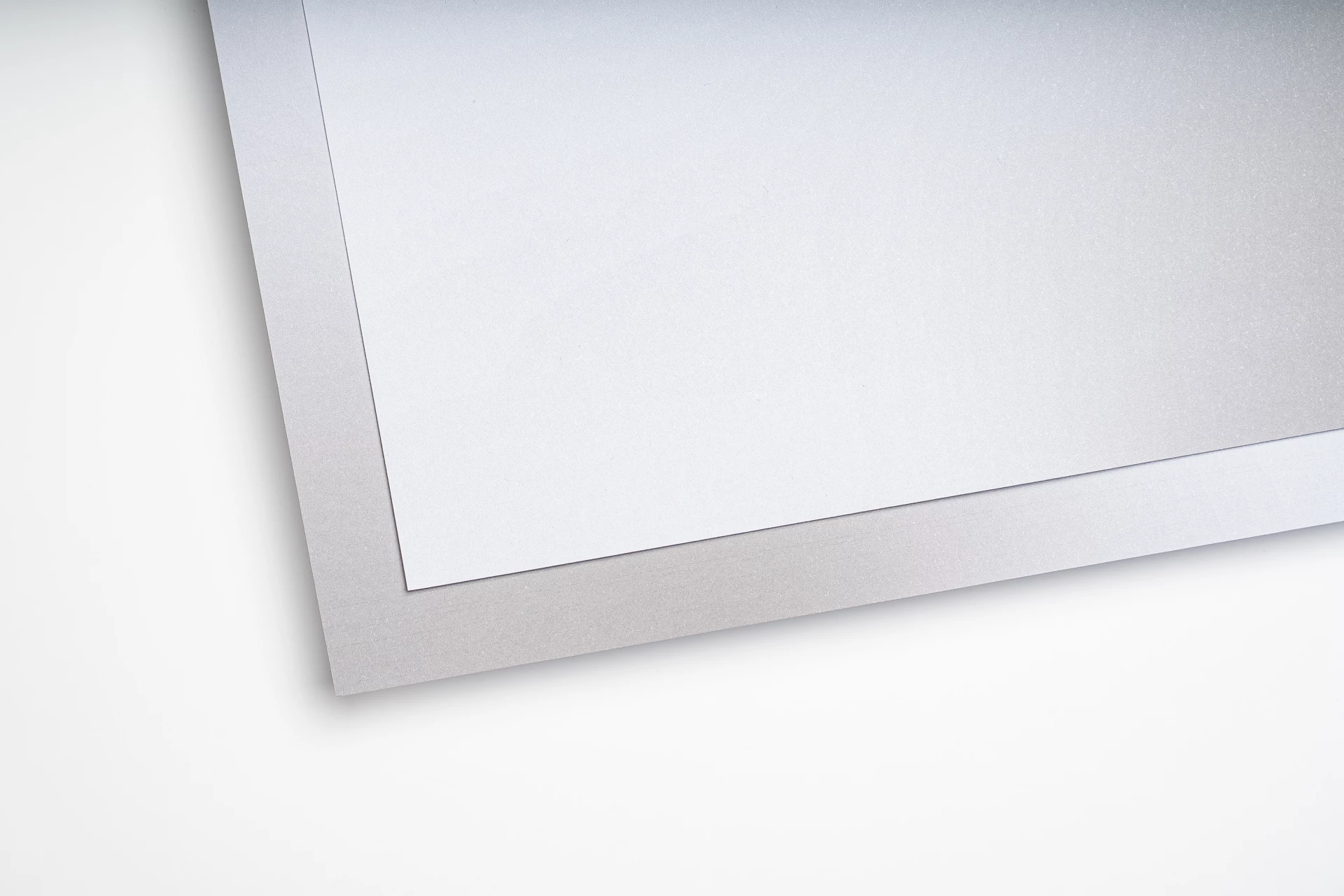
This special type of paper is made from agricultural waste and is therefore very environmentally friendly. Due to the production method, the paper is not built up homogeneously. This makes the fibers slightly visible. This is not disturbing and gives a nice playful effect. The paper is not white but has a light beige tint, this has a slight influence on the color of the design (we do not place white as the under color). Note: It is possible that surface effects are visible through the print. |
|
printside
|
|
String |
Only the front is printed. The back remains blank. |
|
borderless
|
A boolean | Boolean | Optional |
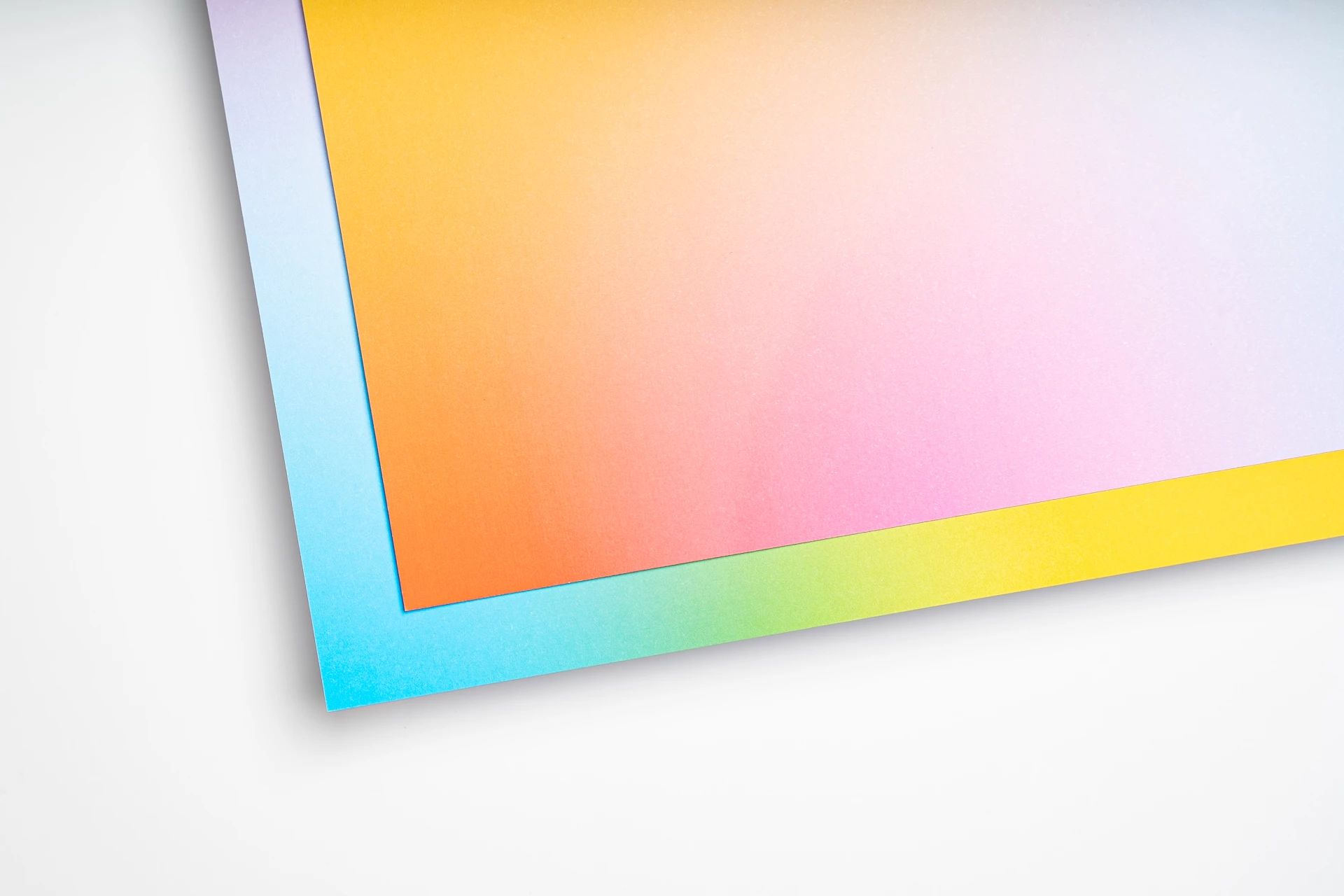
By default, we keep a 5mm white border around your design. Do you want images or background colours to extend to the edge? Then choose borderless printing. With borderless printing, we trim the document cleanly afterward. If you do not supply bleed/bleed, we enlarge your document by 1mm all around. If you do not choose borderless printing, a 5mm white border will automatically remain visible (see example). Not all paper types and formats support borderless printing. Tip: Use the preview to check whether borderless printing is necessary. For experts: Supply 3–5 mm bleed. Crop marks are allowed. If the bleed is correct, we will not enlarge the document. |
fullscreen
|
A boolean | Boolean | Optional |
Full-screen printing depends on your document and only affects files with a non-standard aspect ratio (when the proportions of your document don’t match the selected format). For photos, white borders are often undesirable, so it’s best to enable this option. For informational documents with a white background, white borders aren’t visible or distracting, and you’ll want to make sure nothing is cropped — in that case, leave this option unchecked. Tip: Check the preview to see how this setting affects your document. |
size_custom_width
|
An integer. | Int | Optional | |
size_custom_height
|
An integer. | Int | Optional | |
comment
|
|
String | Optional |
All comments are read by our customer service. We will contact you if we have any questions regarding your remark. |

There is a newer version of the API available now!